
Attributes are options a customer can choose, such as size or colour. Add them to a variable product so you can create variations with their own prices and stock.
For PC
For Mobile
This guide covers the basics in simple steps.
Follow these Quick Steps
- Log in to your WordPress admin dashboard with your username and password.
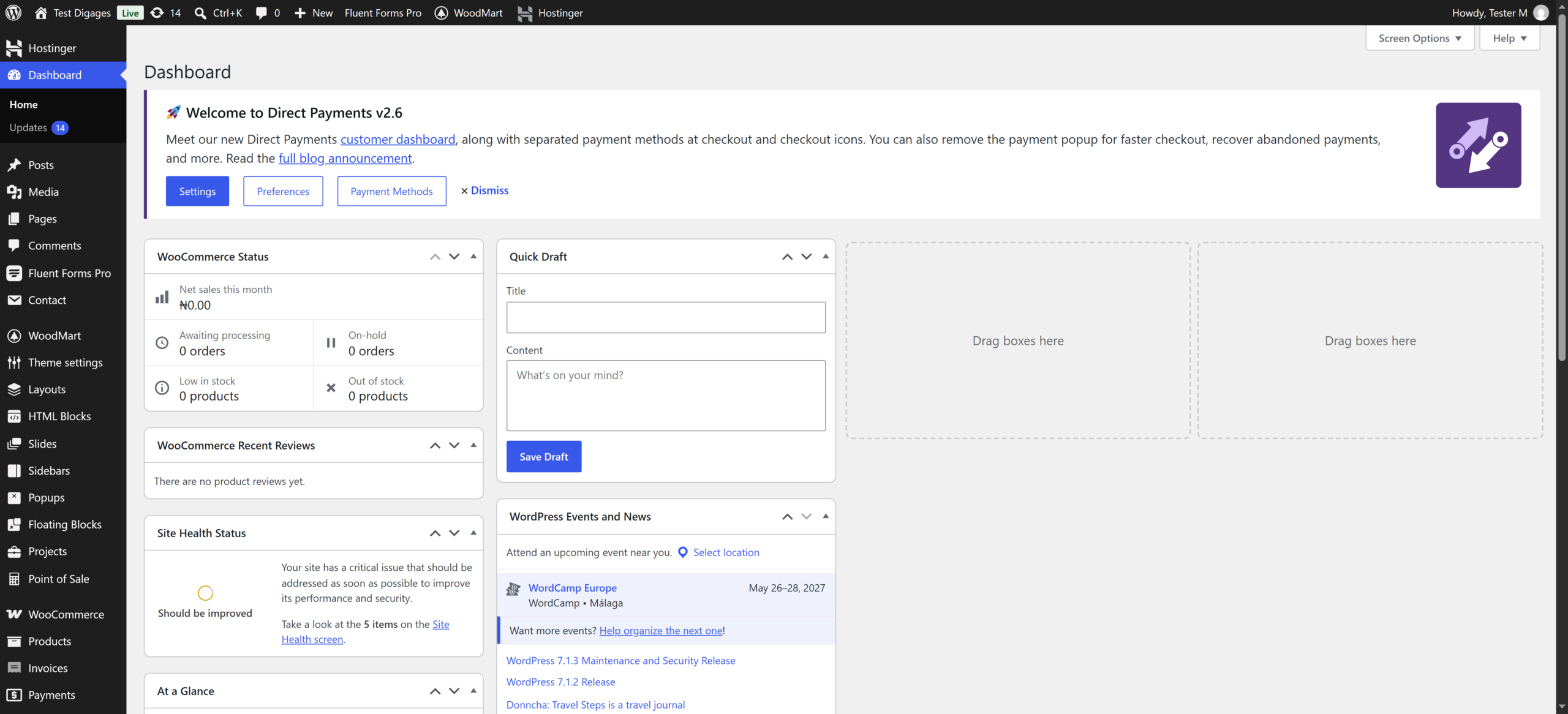
- Go to Products > All Products and open the variable product, or go to Products > Add New to create one.
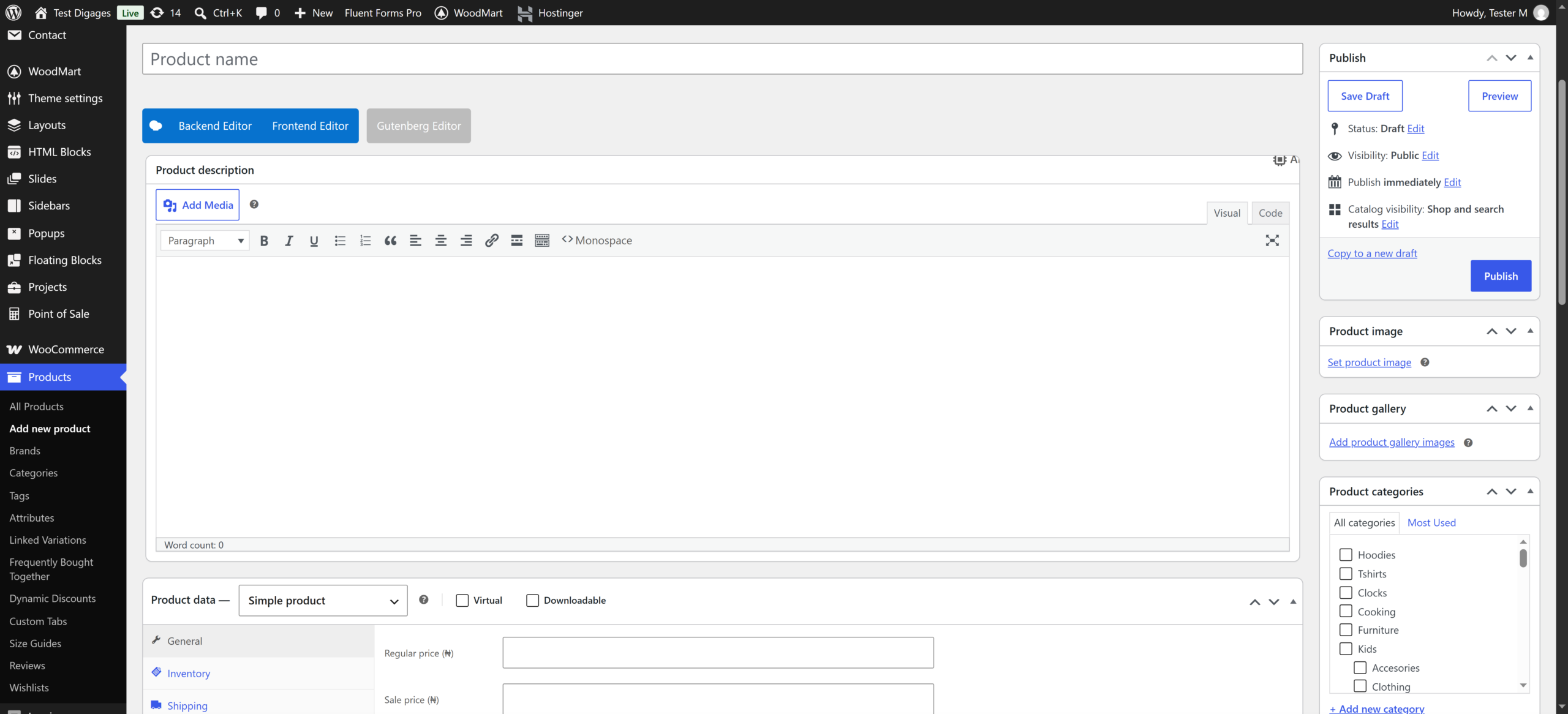
- Scroll to Product data and make sure Variable product is selected.
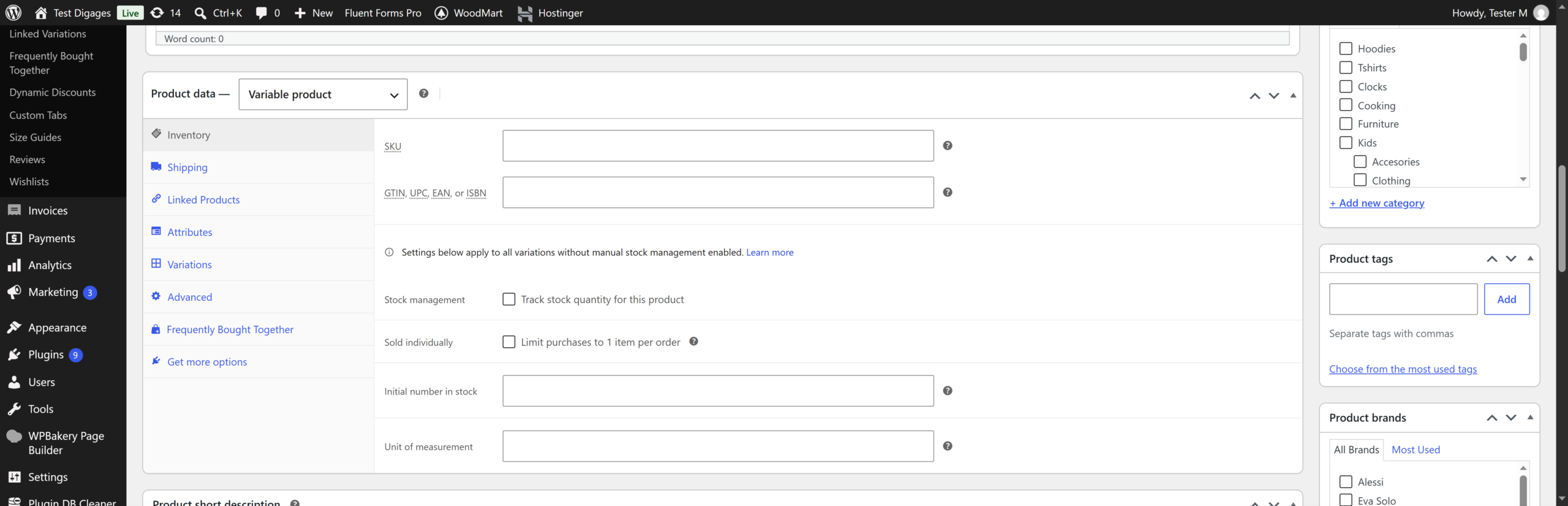
- Click the Attributes tab.
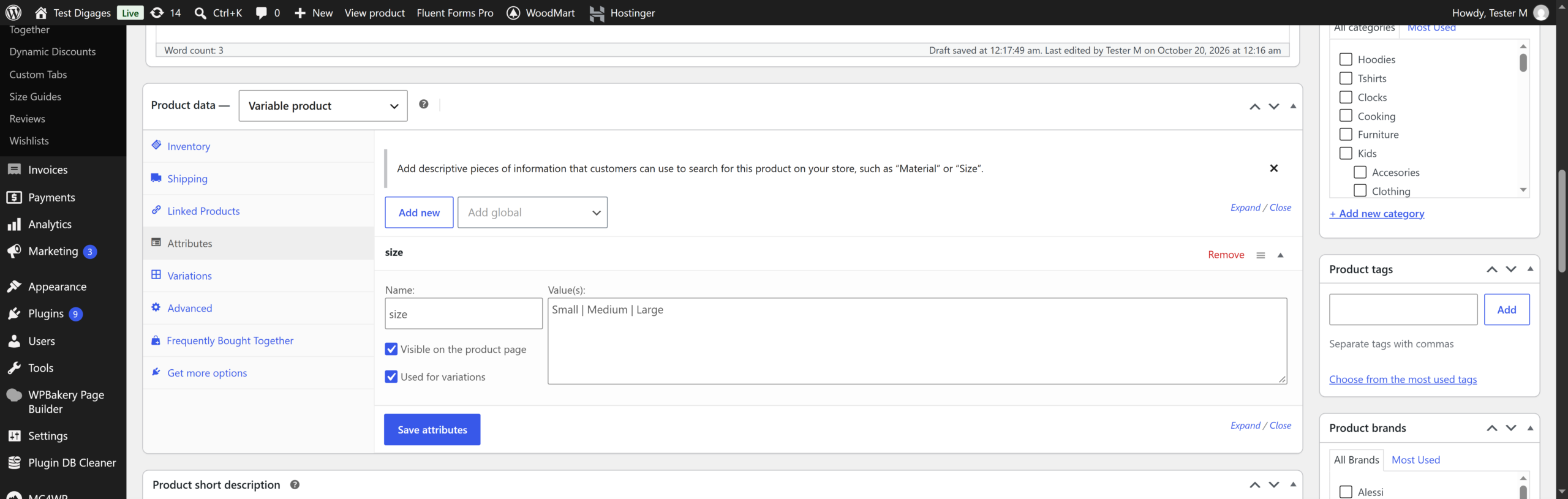
- Click Add new (or select Custom product attribute and click Add).
- Enter the attribute Name (for example, Size).
- In Value(s), enter the options separated by | (for example, Small | Medium | Large).
- Tick Used for variations.
- Tick Visible on the product page if you want customers to see it.
- Click Save attributes.
- To add another attribute (for example, Colour), repeat steps 5 to 10.
- Click the Variations tab, select Create variations from all attributes, then click Go.
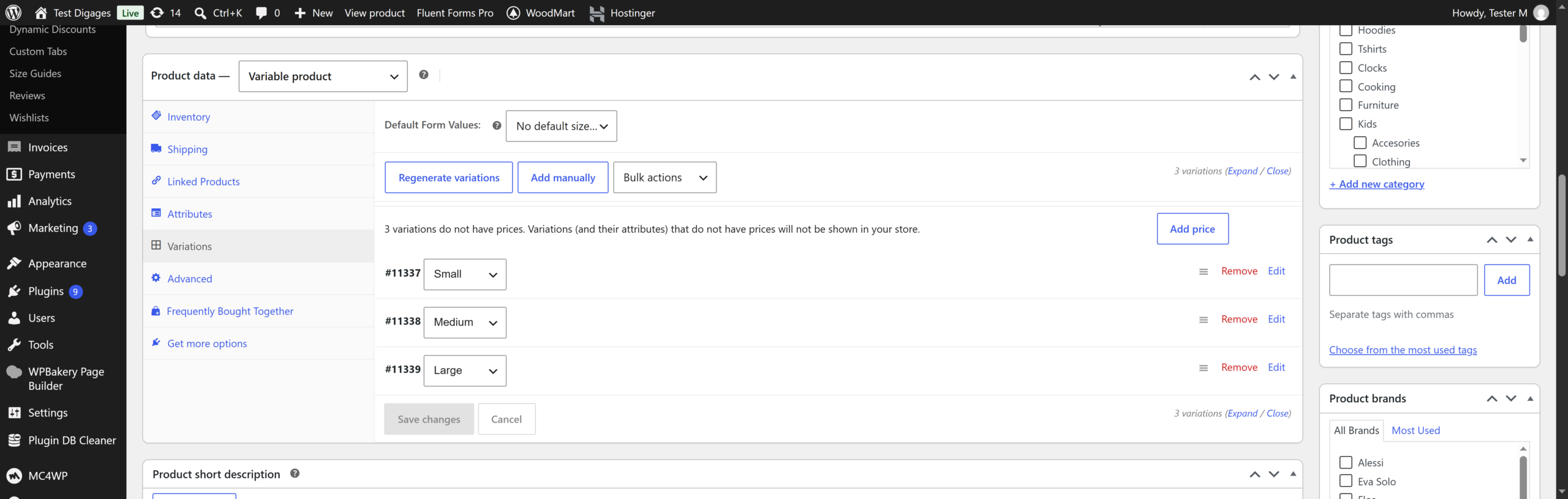
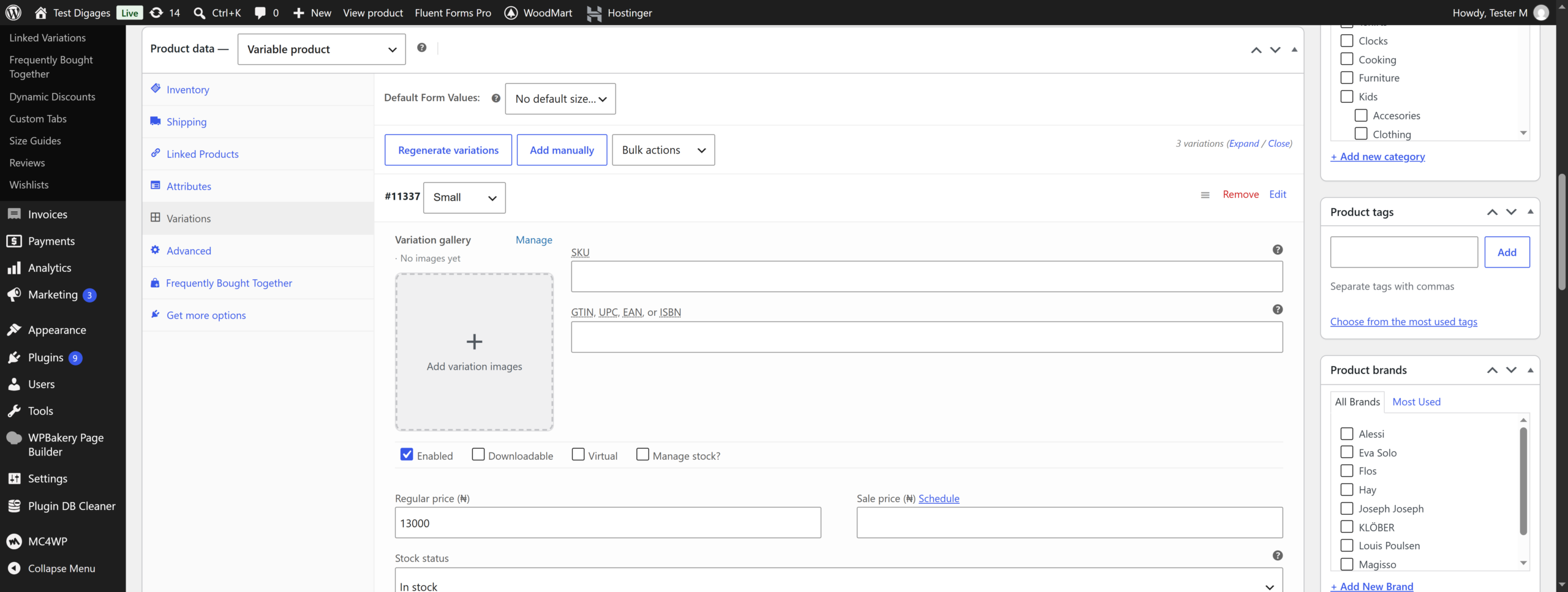
- Set the price and stock for each variation, then click Save changes.
- Click Update (or Publish for a new product).
