
A variable product comes in options such as size or colour, each with its own price or stock. Use this guide to add one from your phone/PC.
Watch the video below for a step-by-step demonstration of the process.
For PC
For Mobile
Follow these Quick Steps
- Log in to your WordPress admin dashboard with your username and password.
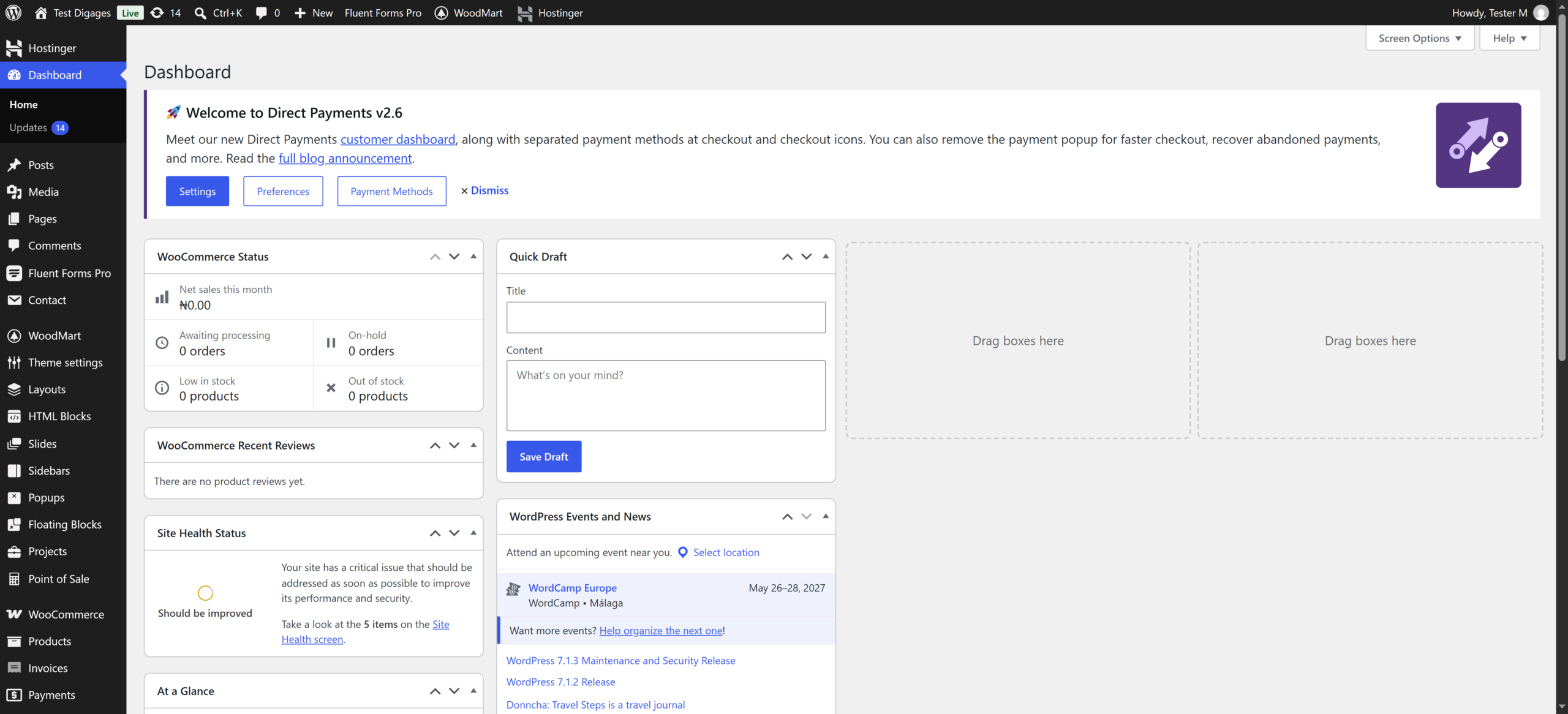
- Click/Tap the menu icon (☰), then click/tap Products > Add New.
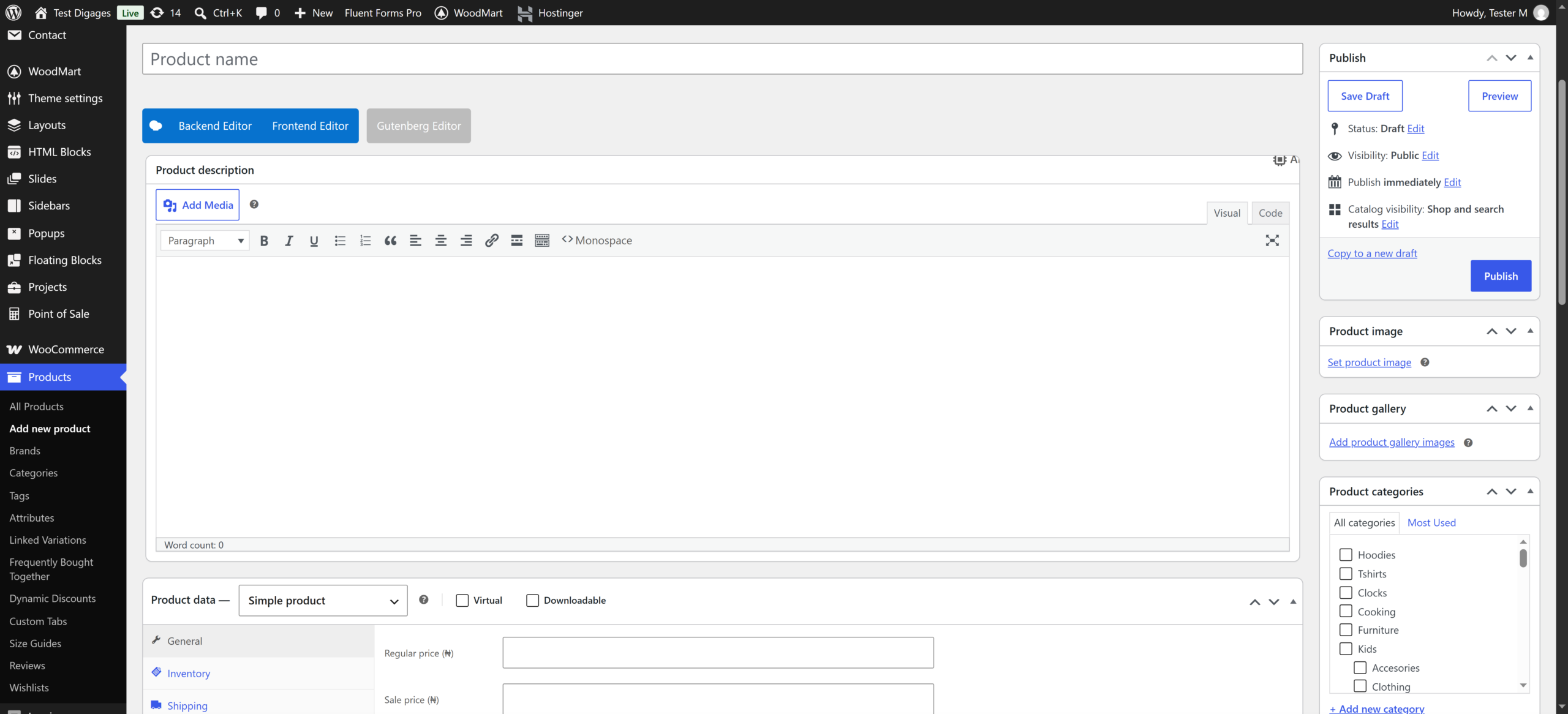
- Enter the product name and description.
- Scroll to Product data and select Variable product.
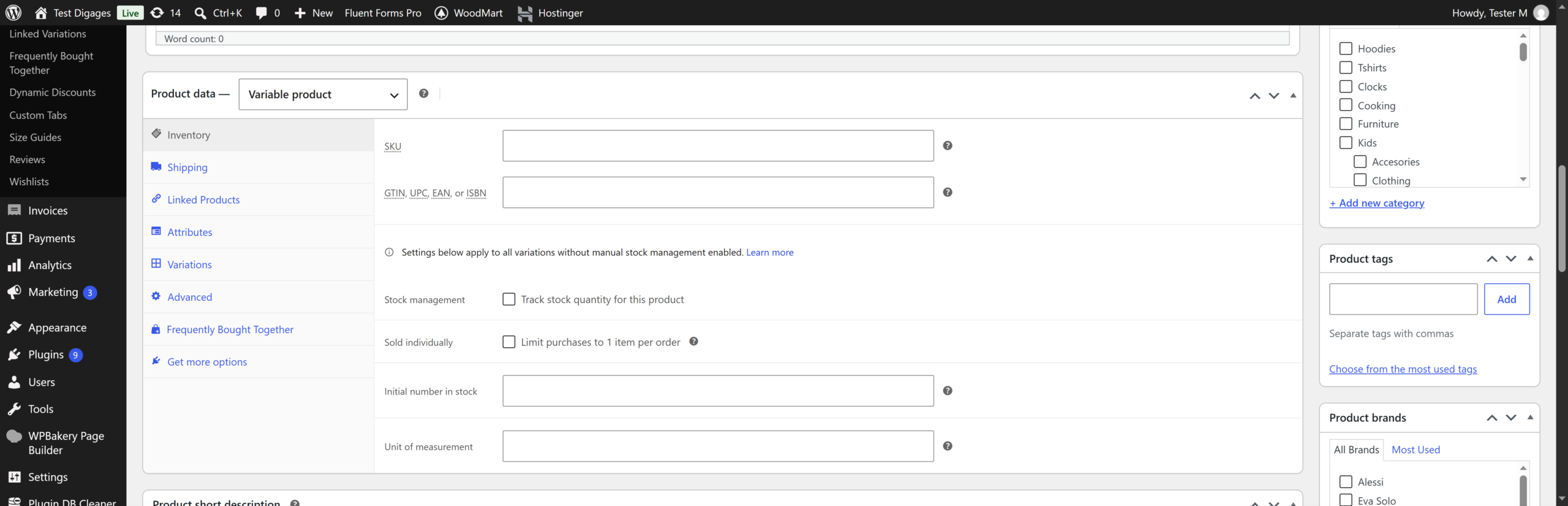
- Click/Tap the Attributes tab.
- Enter an attribute name (for example, Size).
- In Value(s), enter your options separated by | (for example, Small | Medium | Large).
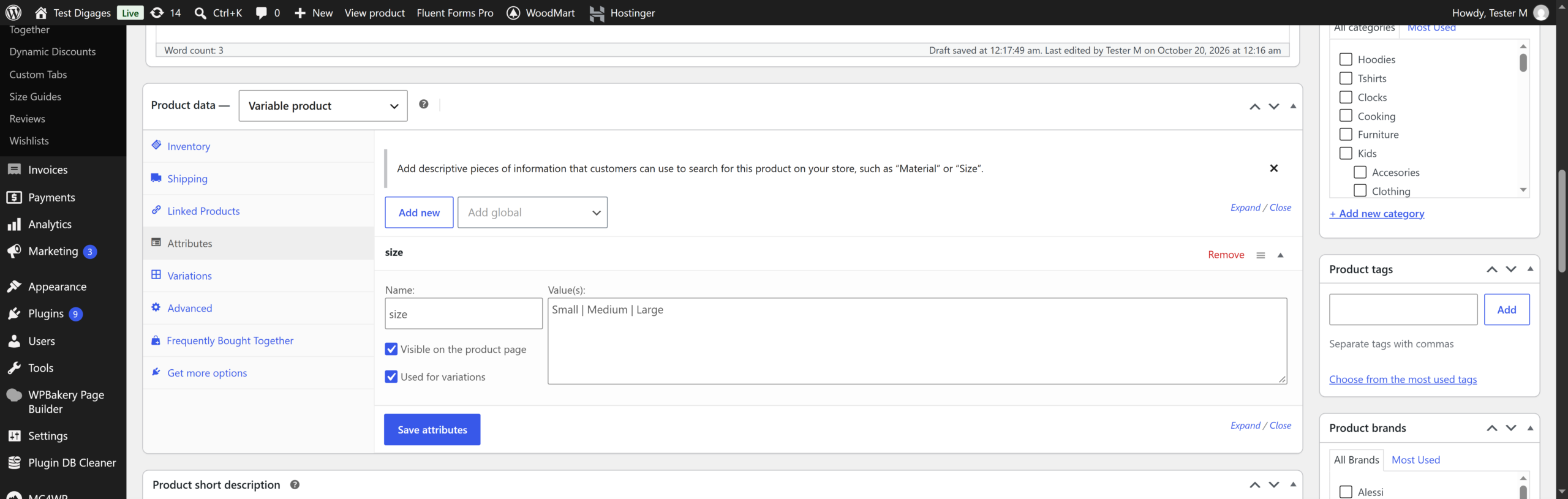
- Tick Used for variations, then Click/tap Save attributes.
- Click/Tap the Variations tab.
- Select Create variations from all attributes, then click/tap Go.
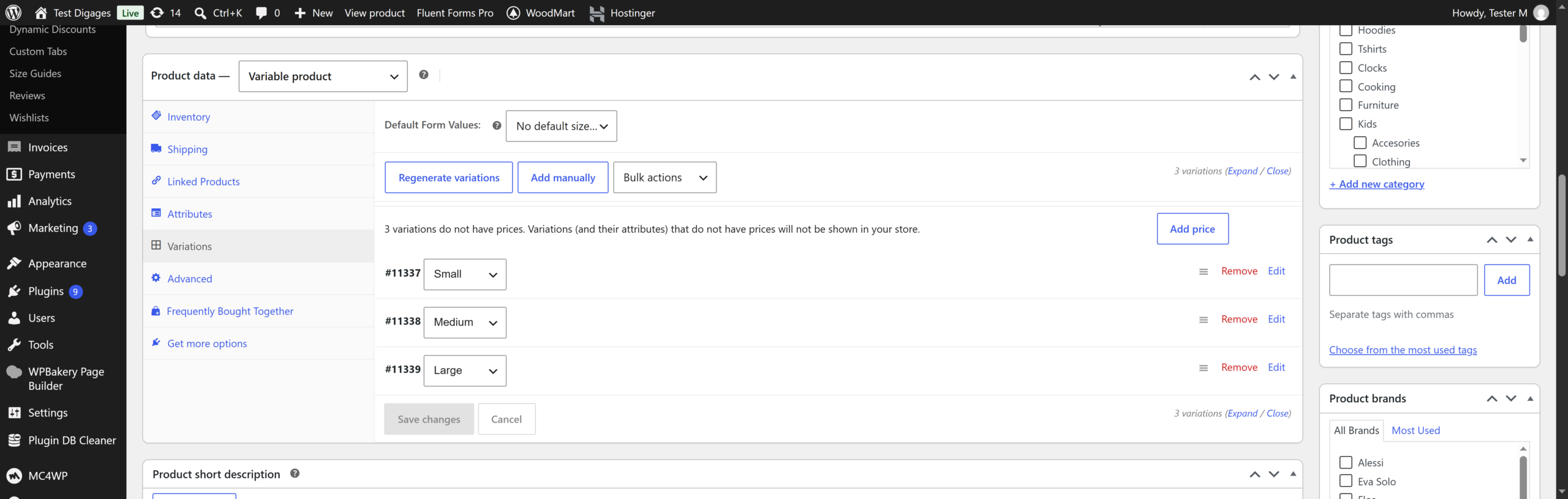
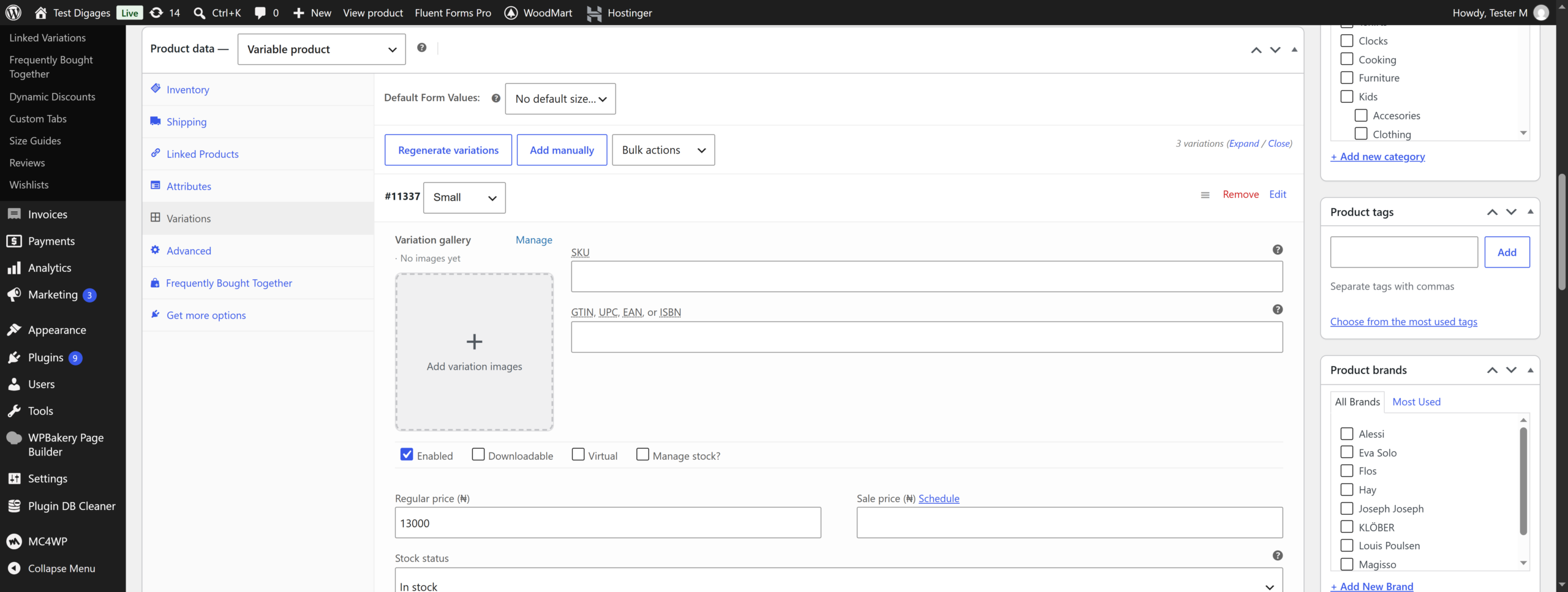
- Click/Tap each variation to expand it and set its Regular price and Stock quantity. Add an image if needed.
- Click/Tap Save changes.
- Under Product categories, select a category, then click/tap Set product image to add a main photo.
- Click/Tap Publish.
