
Change the password you use to log in to your WordPress dashboard.
This guide covers the basics in simple steps.
Watch the video below for a step-by-step demonstration of the process.
For PC
For Mobile
Quick Steps
- Log in to your WordPress admin dashboard with your username and password.
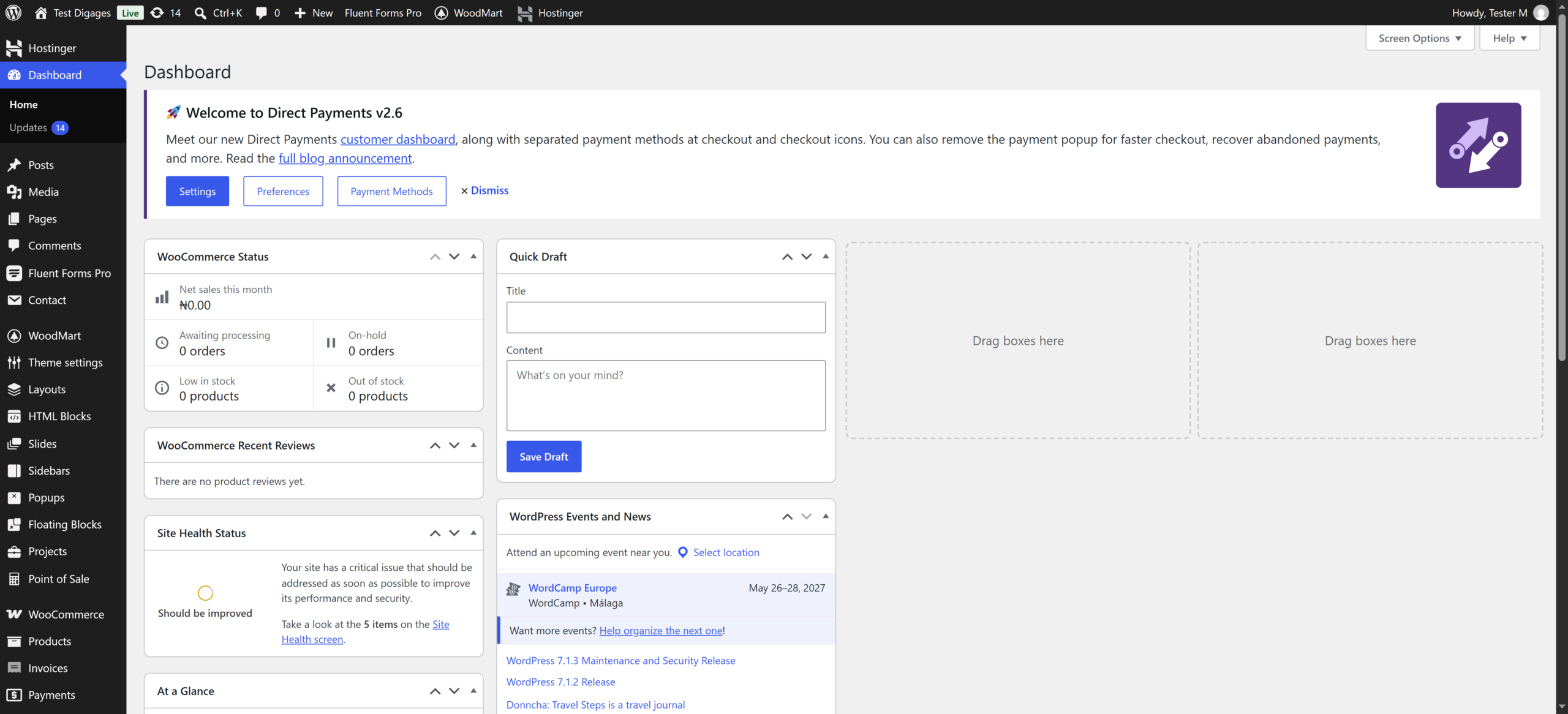
- Go to Users > Profile.
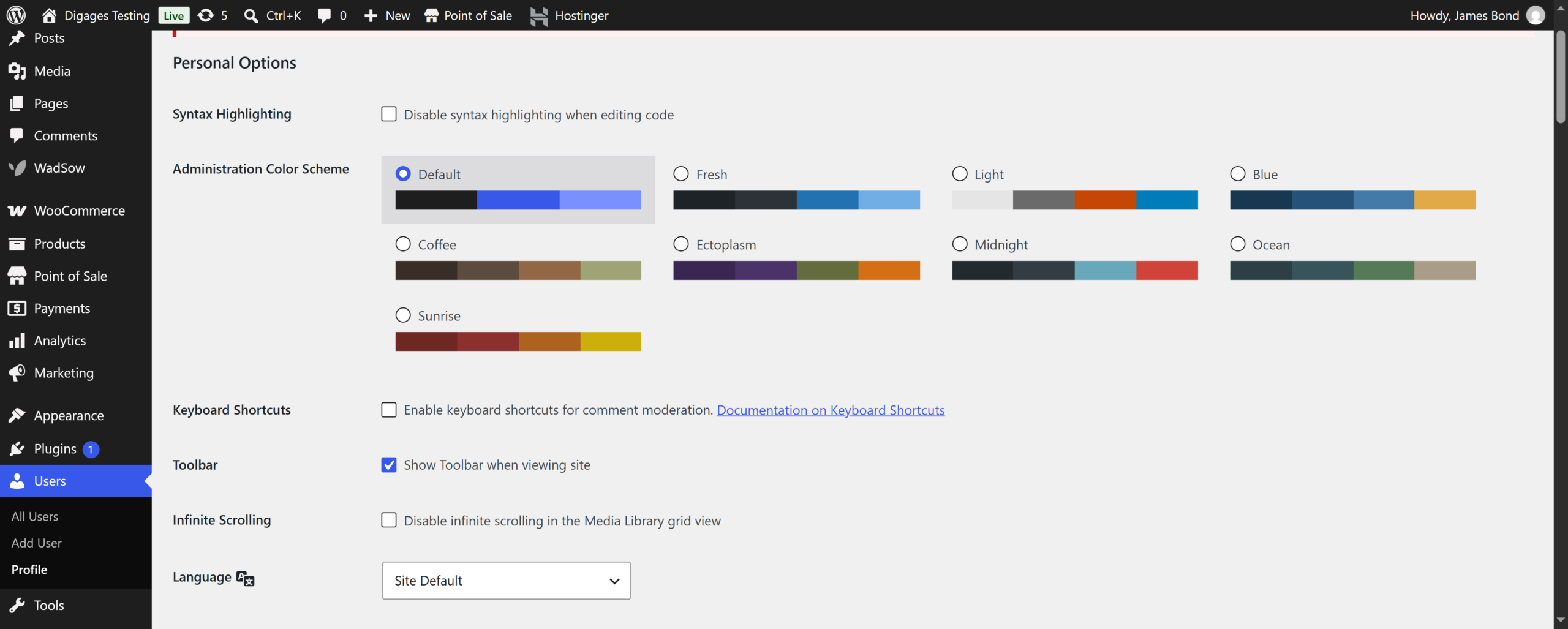
- Scroll to Account Management.
- Click Set New Password.
- Enter your new password, or use the one WordPress suggests.

- Scroll down and click Update Profile.
- Log in again with the new password if asked

If You Forgot Your Password
- On the login page, click Lost your password?.
- Enter your username or email address and click Get New Password.
- Open the email from your website and click the reset link.
- Enter a new password and click Save Password.