
Update the bank account customers pay into when they choose bank transfer at checkout.
This guide covers the basics in simple steps.
Watch the video below for a step-by-step demonstration of the process.
For PC
For Mobile
Quick Steps
- Log in to your WordPress admin dashboard with your username and password.
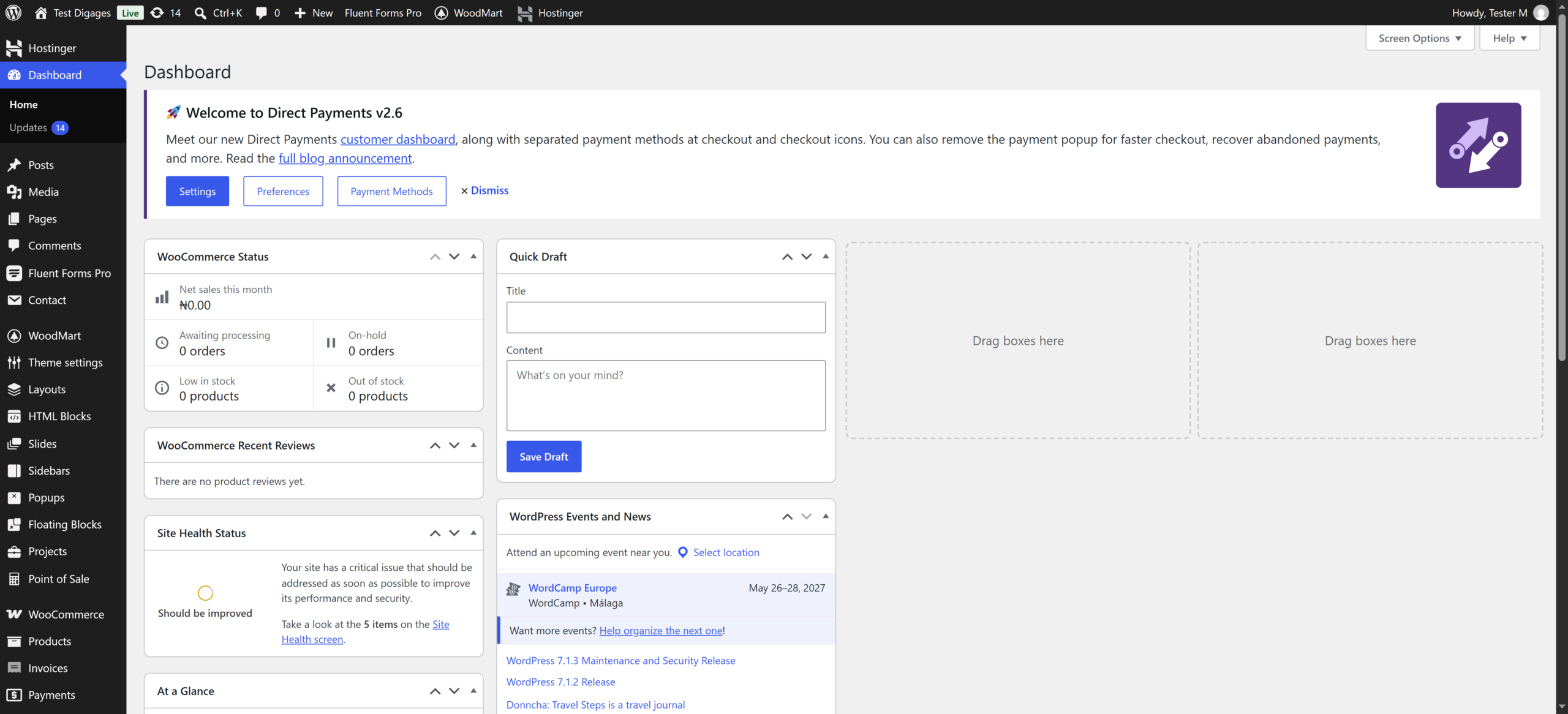
- Go to WooCommerce > Settings > Payments.
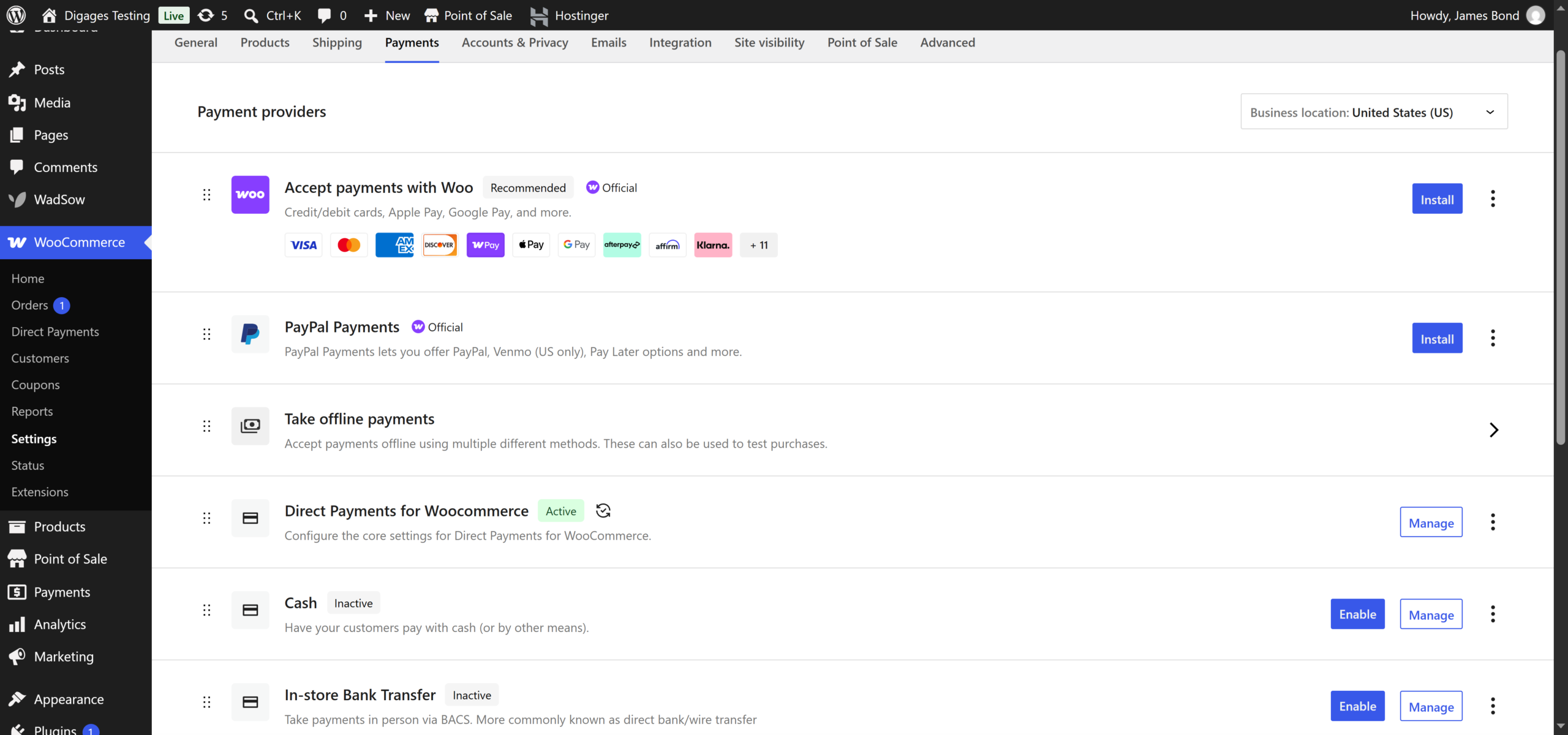
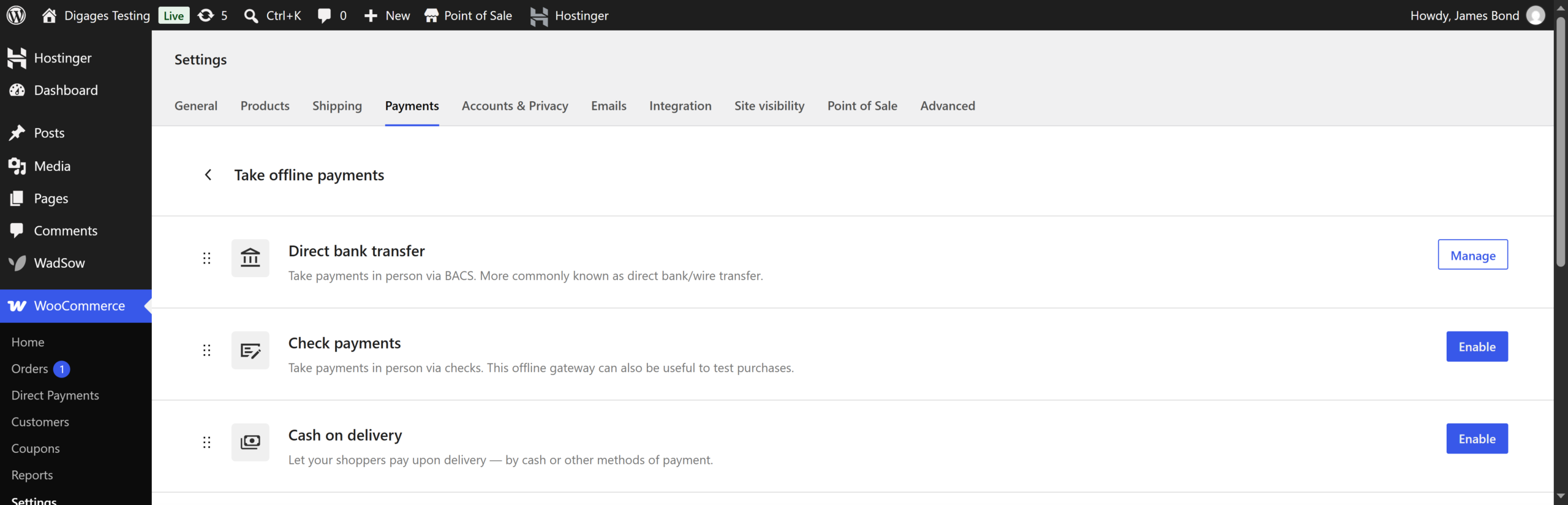
- Scroll to Take Offline Payments
- Find Direct bank transfer and click Manage.
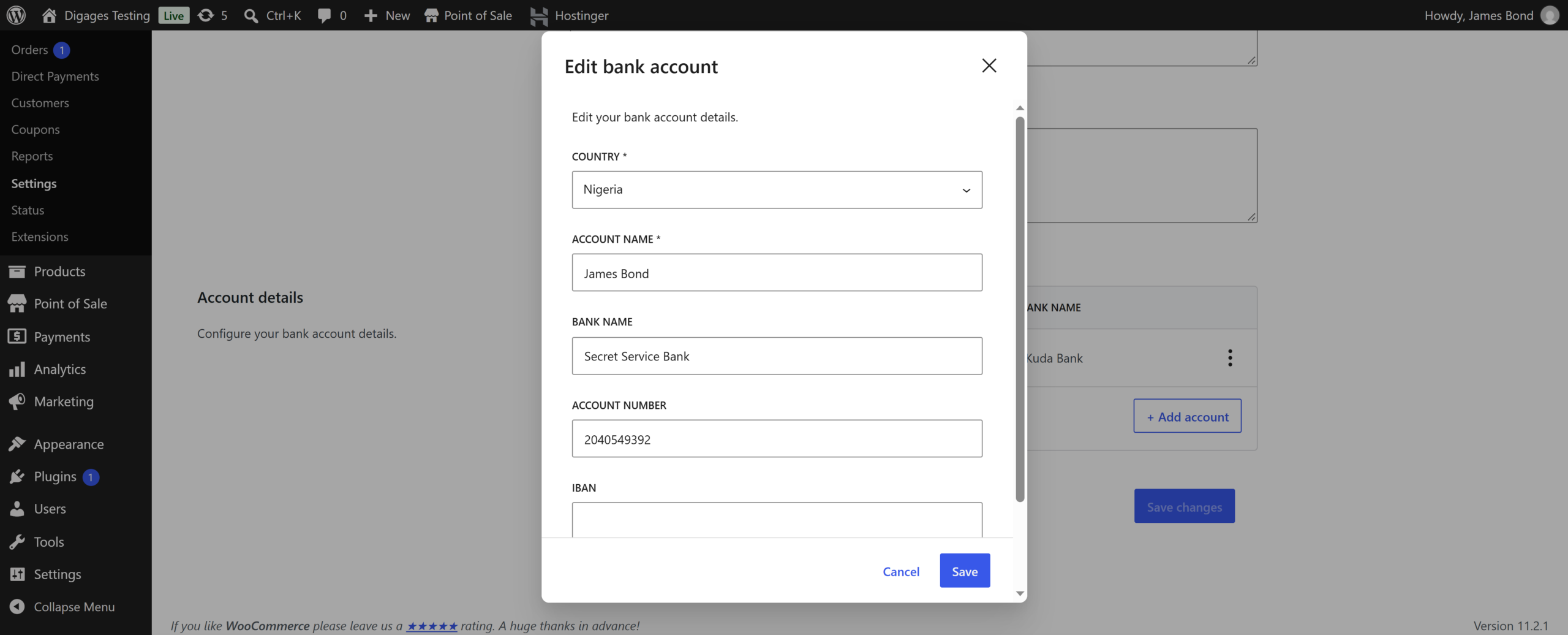
- Scroll to Account details.
- Update the Account name, Account number, and Bank name. Fill in Sort code, IBAN, and BIC / SWIFT only if they apply.
- Click Save changes.
- Add a product to your cart and go to checkout to confirm the new details show.
Tips
- Make sure Enable bank transfer is ticked, or customers will not see this option.
- Double-check the account number before saving. Customers will pay into exactly what you enter.