
Change where you deliver and how much delivery costs.
This guide covers the basics in simple steps.
Watch the video below for a step-by-step demonstration of the process.
For PC
For Mobile
Quick Steps
- Log in to your WordPress admin dashboard with your username and password.
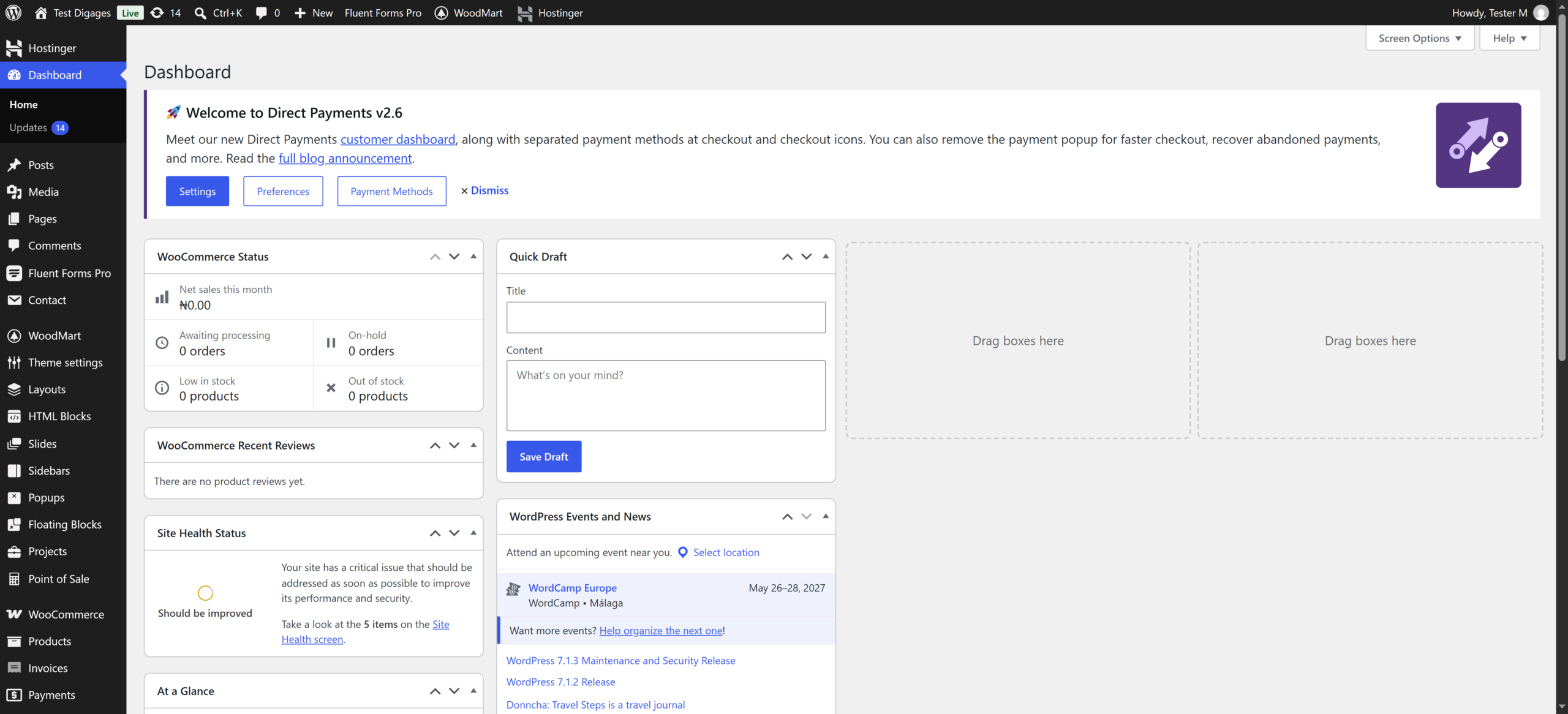
- Go to WooCommerce > Settings > Shipping.
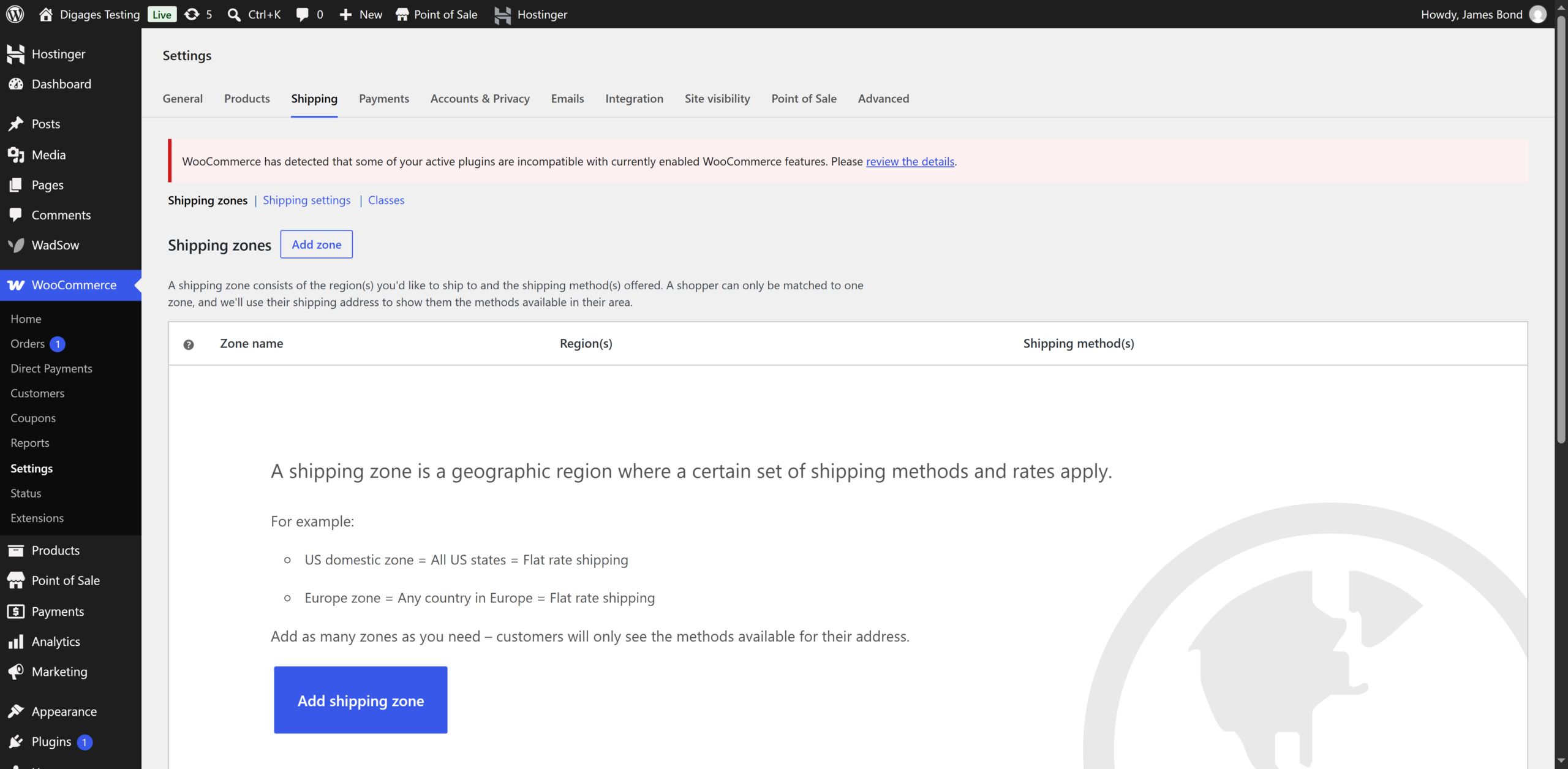
- Click Add shipping zone
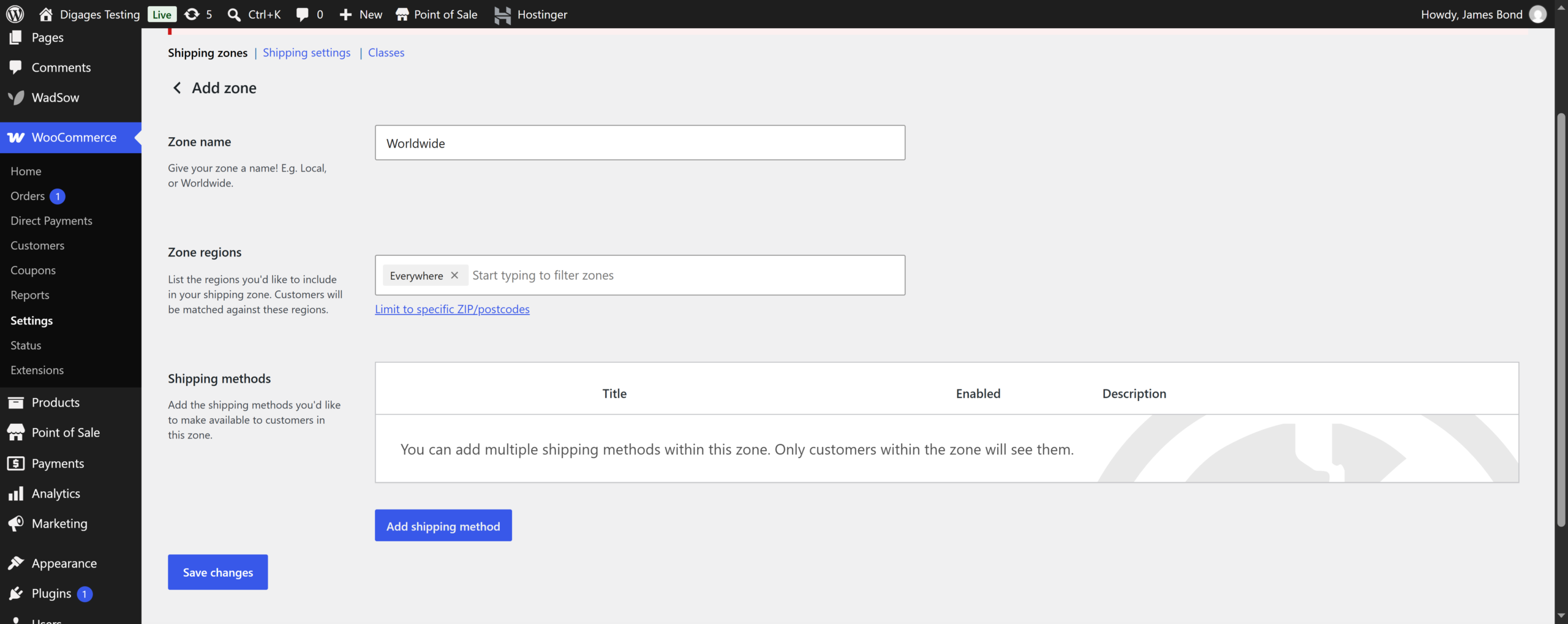
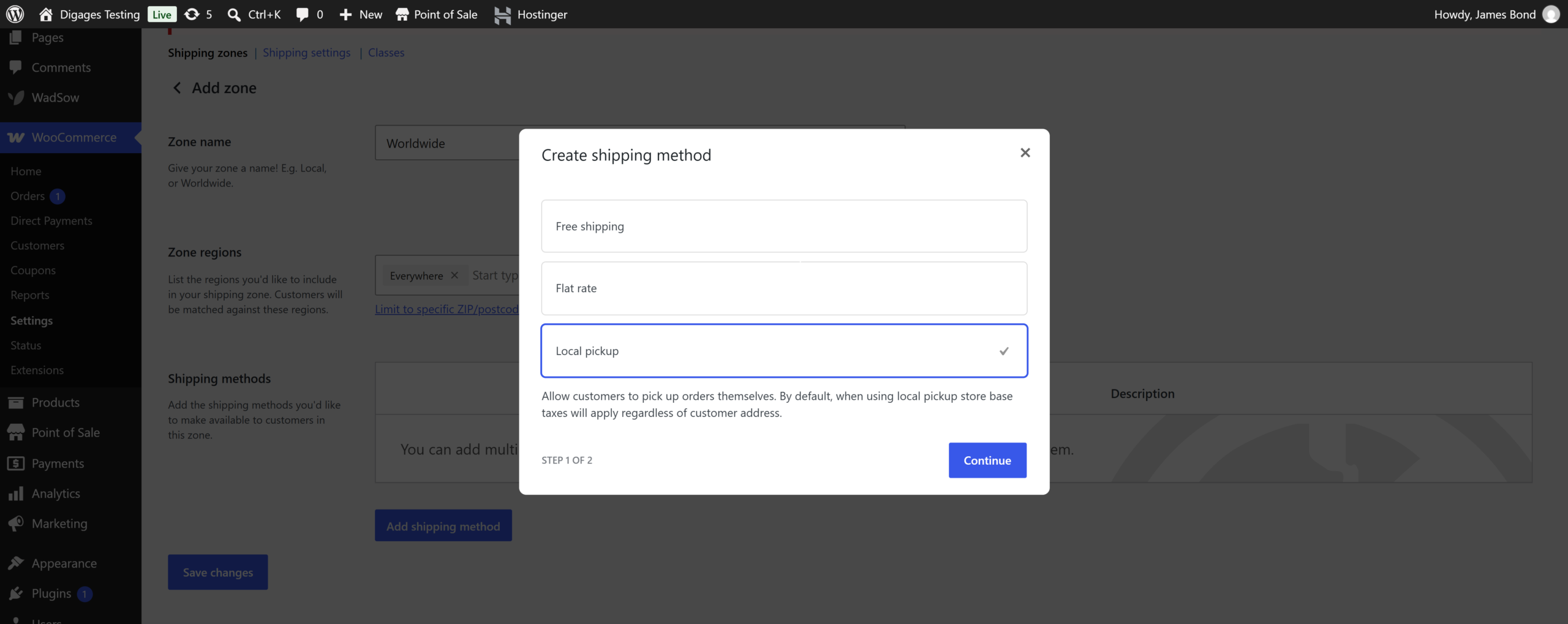
- To add a method, click Add shipping method
- Choose Flat rate, Free shipping, or Local pickup, then click Add shipping method.
- To change a price, hover over the shipping method (for example, Flat rate) and click Edit.
- Enter the new Cost and click Save changes.
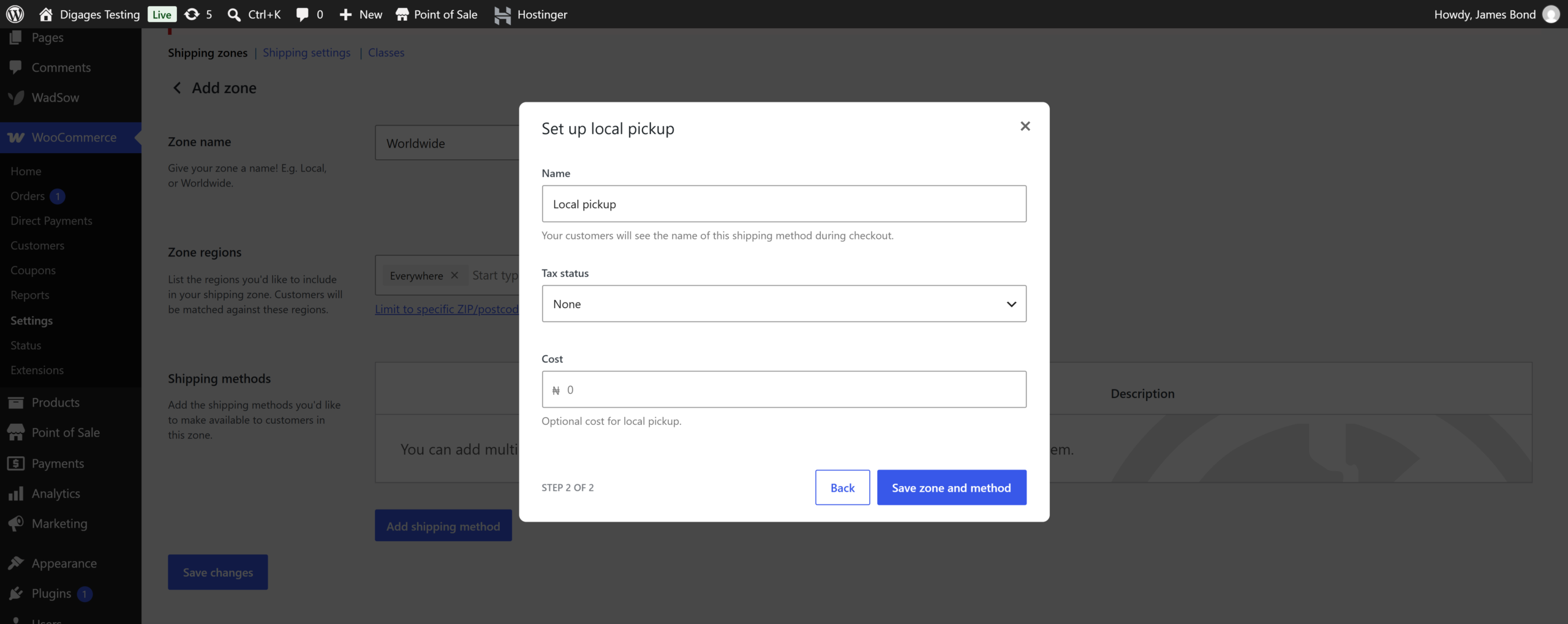
- To change where the zone delivers, edit Zone regions and click Save changes.
- To remove a method, hover over it and click Delete.